In this guide
- 1What Happens When a devotee Books a Pooja
- 2Three Ways to Book, One Record
- 3What Good Pooja Booking software should do
- 4Special Cases to Plan
- 5A Common Mistake to Avoid
- 6Setting up your Pooja list
- 7What trustees learn from booking data
- 8Benefits of online pooja booking
- 9See it with your own pooja list
Temple pooja booking software lets devotees reserve a pooja or offering without standing in a queue, and gives the temple a clear record of every booking. For a busy temple that means fewer people crowding the counter, fewer mistakes on the receipt and a priest who knows what is booked before the day begins. Here is how online pooja booking works in practice, step by step, and what to check before you choose a system.
See how pooja bookings reach one system, whichever way they are made.
Get a Free QuotationWhat Happens When a devotee Books a Pooja
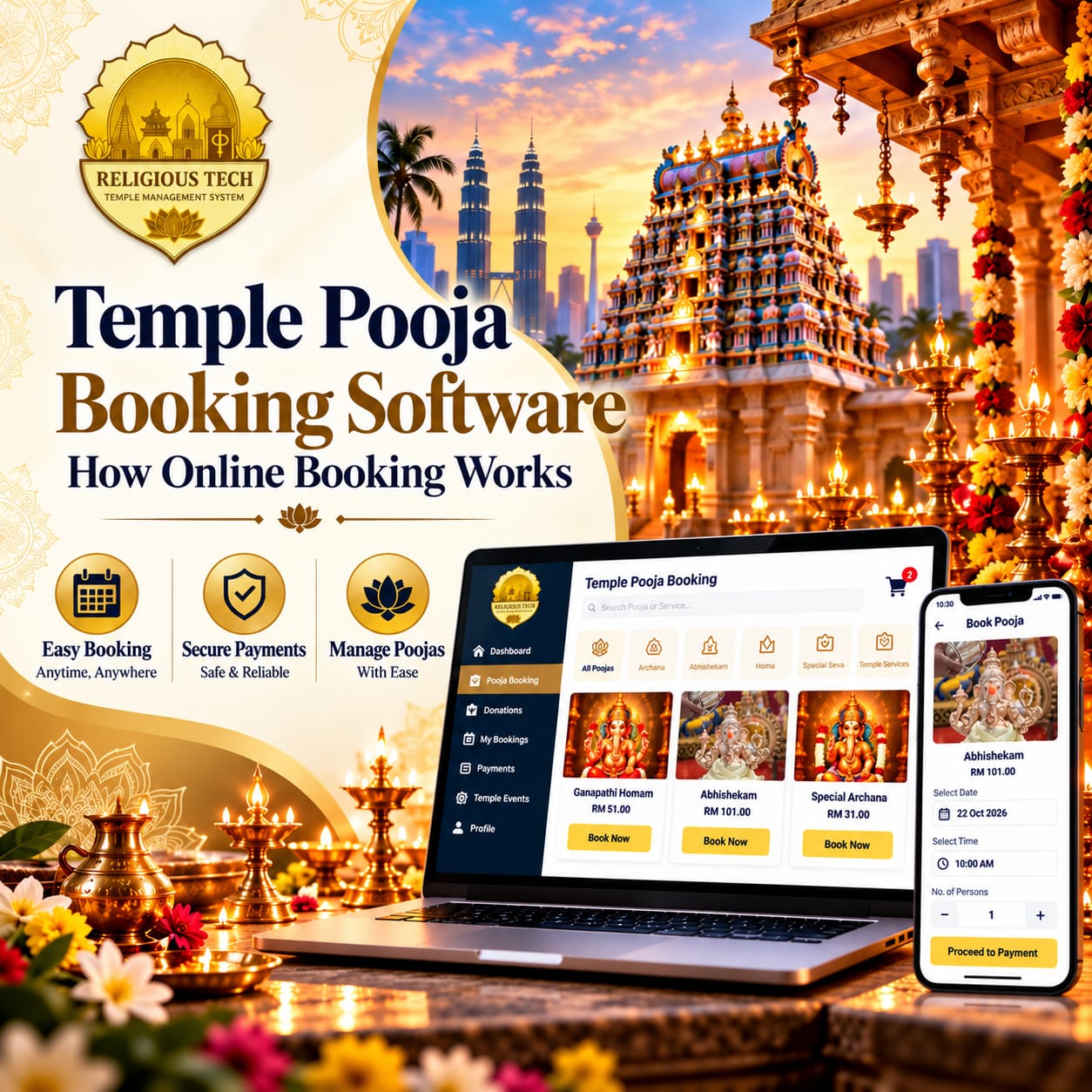
A devotee opens the temple's app, chooses an archanai, enters the name and pays. Within a moment she has an e-ticket on her phone.
At the temple, that same booking is already in the day's list. The counter team can see it, the priest knows what has been booked, and the payment is counted in the evening's closing report. Nobody typed anything.
That is the difference between booking software and a booking form. A form sends you a message that someone has to act on. Booking software puts the booking straight into the records the temple already works from.
Three Ways to Book, One Record
A good system accepts bookings from three places and keeps them in one list. At the counter, staff manage the bill and issue a printed receipt. At a self-service kiosk, devotees book and pay on their own. Through the Mobile app, they book from home and receive an e-ticket on their phone.
Whichever route is used, the booking should land in the same daily report, so the temple never has to add up three separate lists.
Not sure which modules your temple needs?
What Good Pooja Booking software should do
- Give every pooja its own rate and its own line in the report.
- Record which priest performs which pooja, so commissions can be worked out from real records.
- Send confirmations and reminders to devotees by WhatsApp or email.
- Handle special cases such as periodic poojas, kattalai and home or outdoor poojas.
- Show the trustees a clear report by pooja type, day and month.
Special Cases to Plan
Some bookings are not one-off. A family may sponsor a pooja every month, or ask the priest to perform one at home. Ubayam offerings follow their own flow, with a priest assigned and a commission applied. We explain that flow in Why Temples Need an Online Ubayam Offering Booking System.
A Common Mistake to Avoid
Some temples add an online booking form to their website without connecting it to the billing counter. The result is two sets of records: one for the counter, one for online bookings. Choose a system where billing, bookings and accounts share the same database, and the daily closing report will always agree with the receipts.
Setting up your Pooja list
- Group the poojas by deity, so the list is easy to browse on a phone.
- Fix a rate for each one, and decide who is allowed to change it.
- Decide which details the temple really needs, and keep the form short.
- Set a rule for how late a same-day booking can be made.
- Test the list with a few real bookings before you announce it.
What trustees learn from booking data
Once every booking sits in one system, the trustees can answer questions that used to need a week of counting. Which poojas are booked most? Which days are busiest? How do festival bookings compare with last year? That helps the committee plan priests, stock and opening hours with real numbers instead of impressions.
Benefits of online pooja booking
- Shorter queues. Devotees who book on their phone or at a kiosk no longer wait at the counter.
- One list of bookings. Counter, kiosk and app bookings appear together, so nothing has to be copied across.
- Commissions from real records. Because each pooja is tied to the priest who performs it, commissions are worked out from what actually happened.
- A wider reach. Devotees who live far away can book for their families without calling the temple.
- Better planning. Booking reports show the busiest poojas and days, which helps with staffing and stock.
See it with your own pooja list
Send us the poojas and rates your temple offers, rather than working from a sample. We will set them up and walk you through how one booking looks at the counter, at the kiosk and on a devotee's phone.
Counter, kiosk and mobile app, all feeding one daily report.
Get a Free Quotation Talk to Our TeamFrequently asked questions
What is temple pooja booking software?
It is a system that records every pooja booking in one place, whether the devotee books at the counter, at a kiosk or on a mobile app, and produces a receipt for each one.
Can devotees book from home?
Yes, Through the mobile app and website, devotees can book from home and receive an e-ticket on their phone.
Can each pooja have its own rate?
Yes, Every pooja and archanai can have its own rate, and the daily report shows each one separately.
Does it work for monthly or periodic poojas?
Periodic poojas and kattalai are part of the platform, so regular bookings are recorded against the right devotee.
Do we need a kiosk to take online bookings?
No, The counter and the mobile app work without a kiosk. A kiosk is an optional extra for temples with long queues.
Will the booking show up in the accounts?
Yes, Bookings, receipts and the daily closing report come from the same system, so the figures agree.
Can the temple see which priest is assigned to a pooja?
The system tracks which priest performs which pooja, so commissions can be worked out from real records.